Digital Footprint Report — What You Get & Who Needs One
Digital footprint report — a compiled AI analysis of your online presence with source links. See what's included and who uses them.
Digital Footprint Report - What You Get & Who Needs One
Digital footprint report compiles everything publicly available about a person into a single document - social profiles, public records, news mentions, and red flags, each backed by a verifiable source link. Run one on yourself to see what others find, or on someone else for due diligence.
What a Digital Footprint Report Includes
Most "digital footprint" tools stop at breach alerts or data broker removal. A digital footprint report goes deeper - it's a compiled, cross-referenced analysis of an actual online presence.
A thorough report covers:
- Social media profiles - LinkedIn, Instagram, Facebook, X posts, comments, and connections
- Contact information - emails and phone numbers found across public web sources
- Professional history - claimed roles, endorsements, credential verification
- Public records - court filings, business registrations, domain ownership
- News & media mentions - press coverage, forum posts, blog references
- Red flags - inconsistencies, deleted content traces, concerning patterns
The difference from a Google search: a report cross-references data across sources to surface patterns individual searches miss.
Who Needs a Digital Footprint Check
Four common use cases:
- Check yourself - see exactly what employers, dates, or clients find when they look you up. Fix problems before they cost you opportunities.
- Business professionals - partner vetting, investor research, vendor checks before signing contracts.
- Personal safety - dating verification, reconnecting with someone, or checking a new landlord/roommate.
- Professional research - journalists, investigators, or anyone conducting open-source due diligence on a person.
DIY Research vs. AI-Powered Reports
Free tools like Google Advanced Search and the Wayback Machine cover the basics. But thorough research across multiple platforms takes hours per person - and you'll still miss data that isn't indexed or requires cross-referencing.
Most "digital footprint check" tools (Digital Footprint Check, Aura, Mine) focus on breach monitoring and data broker removal - useful for ongoing privacy, but they don't show the full picture of what someone's online presence actually reveals.
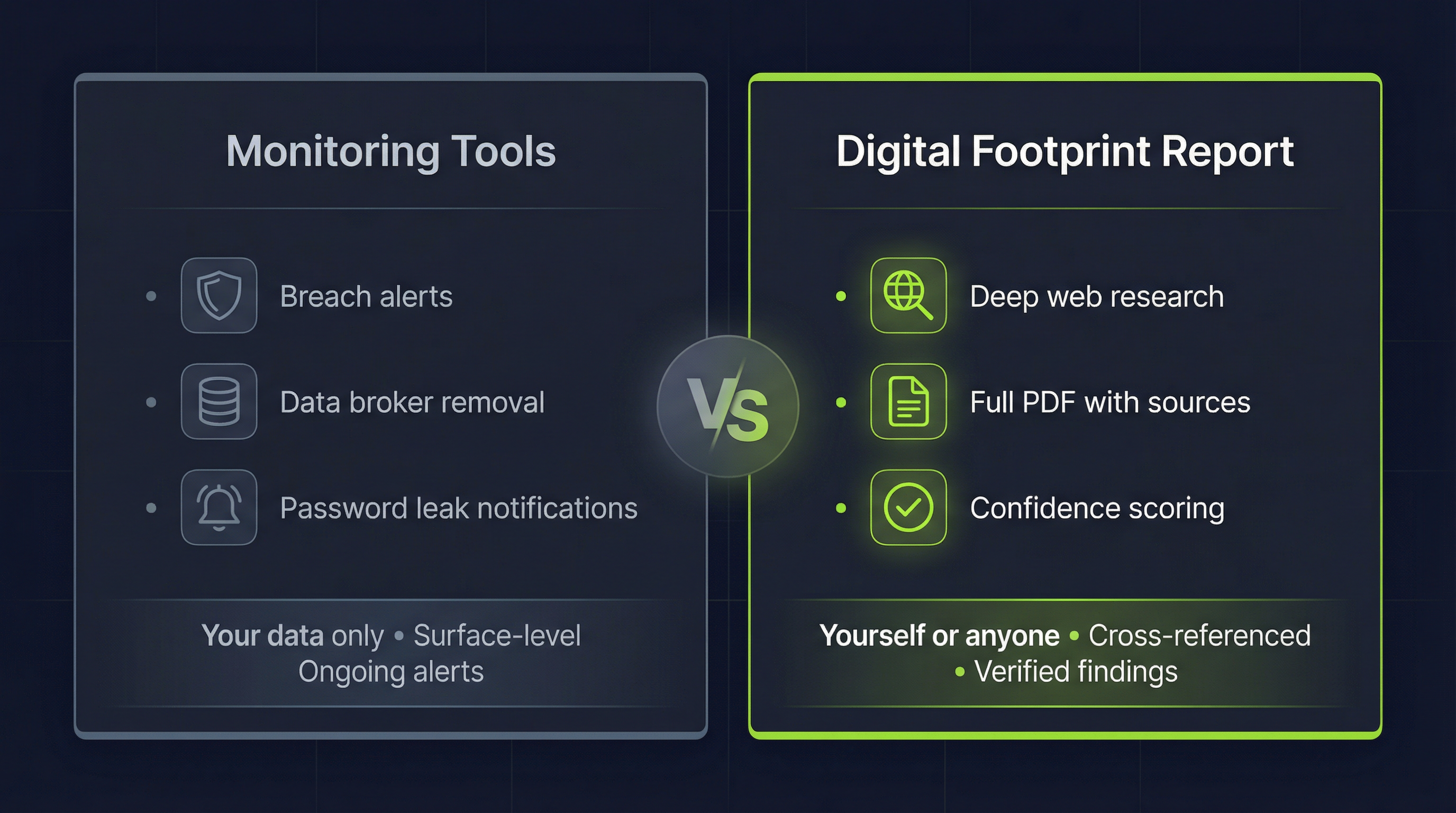
| Feature | DIY / monitoring tools | AI-powered report |
|---|---|---|
| Purpose | Track breaches, remove data | Full online presence analysis |
| Works on | Your own data only | Yourself or anyone else |
| Sources | Breach databases, data brokers | Social media, web, public records |
| Output | Alerts or risk score | PDF report with source links |
| Findings | Data leak notifications | Emails, phone numbers, profiles, red flags |
| Time | Ongoing / manual hours | 30-40 minutes, automated |
How PublicInfo.ai Generates Digital Footprint Reports
PublicInfo.ai runs multiple AI agents that perform hundreds of live web searches per report. Each agent opens actual websites, reads content, and cross-references findings. Every item includes a confidence score and a verifiable source link - so you know exactly how reliable each finding is.
Reports take 30-40 minutes. That's the time required for genuine investigation, not a database pull. Use it on yourself to audit your digital footprint, or on someone else for due diligence.
Try PublicInfo.ai - AI-powered digital footprint reports from LinkedIn, Instagram, and Facebook. From $6/report, no subscription, credits never expire.
Related: OSINT People Search - How AI Finds Public Information | Whitebridge.ai Alternative - How We Compare